|
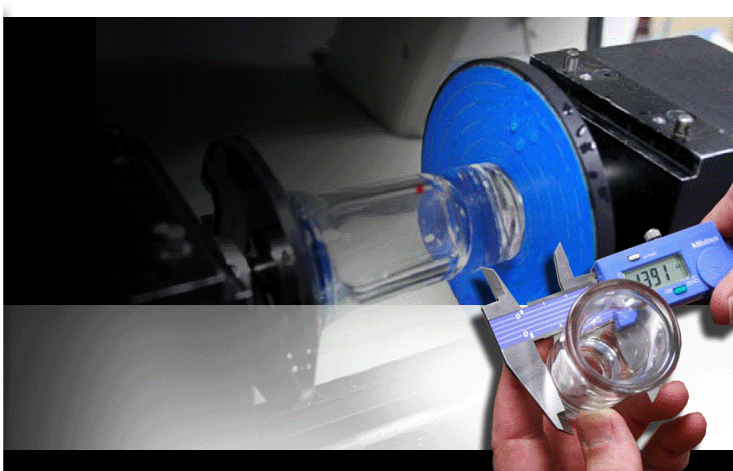
• Glass Engraving
How to engrave a glass object using a Vision MaxPro Engraver.
• Deep Engraving in Stainless Steel
How to deep-engrave a stainless steel electrical
plate using a Vision 2550 Router.
• Creating a Rhinestone Design Template
Instructions on how to create a Rhinestone Design Template
• Vision Pro 7 Tutorial
Download this tutorial for help on your Vision Pro 7 software. Many common and technical operations and tasks are covered.
• AutoCad - HP 7475A plotter driver config
The basic configuration required to create an HP 7475A plotter driver in AutoCad that can be used to export HPGL files into Vision software. Verified for AutoCad 2000i and should work in the full version.
• Changing the default Windows Fonts in Vision Windows
To perform this procedure you MUST be comfortable with the Windows Operating System installed on your computer. You will be editing a Vision Windows System file and could cause damage to your Vision Software if done improperly.
• Setting surface on the VE 810 \ 810 XD
The procedure for setting the surface of your VE 810 \ 810 XD. NOTE: This procedure is only for 810s with limit switches.
• Auxiliary Power Strip Tech Note
Important information concerning the Vision Auxiliary Power Strip.
• COM Port Configuration
Follow this procedure to correctly configure the COM Port of your computer to be compatible with Vision Serial Controllers.
VISION ENGRAVING VIDEO TUTORIALS
• How to zero a cutter
• Creating an ADA Compliant Sign
• Creating a Rhinestone Design Template
• Creating a multi-line plate
• Serialization
• Tracing a monochrome bitmap
• Creating Multiples
• Creating single badges
• Vision Pro ADA Tools
Back to top
Contact Vision Engravers today to learn more about vision engraving tutorials, get a price quote, request a free sample or call 1-888-637-1737. |